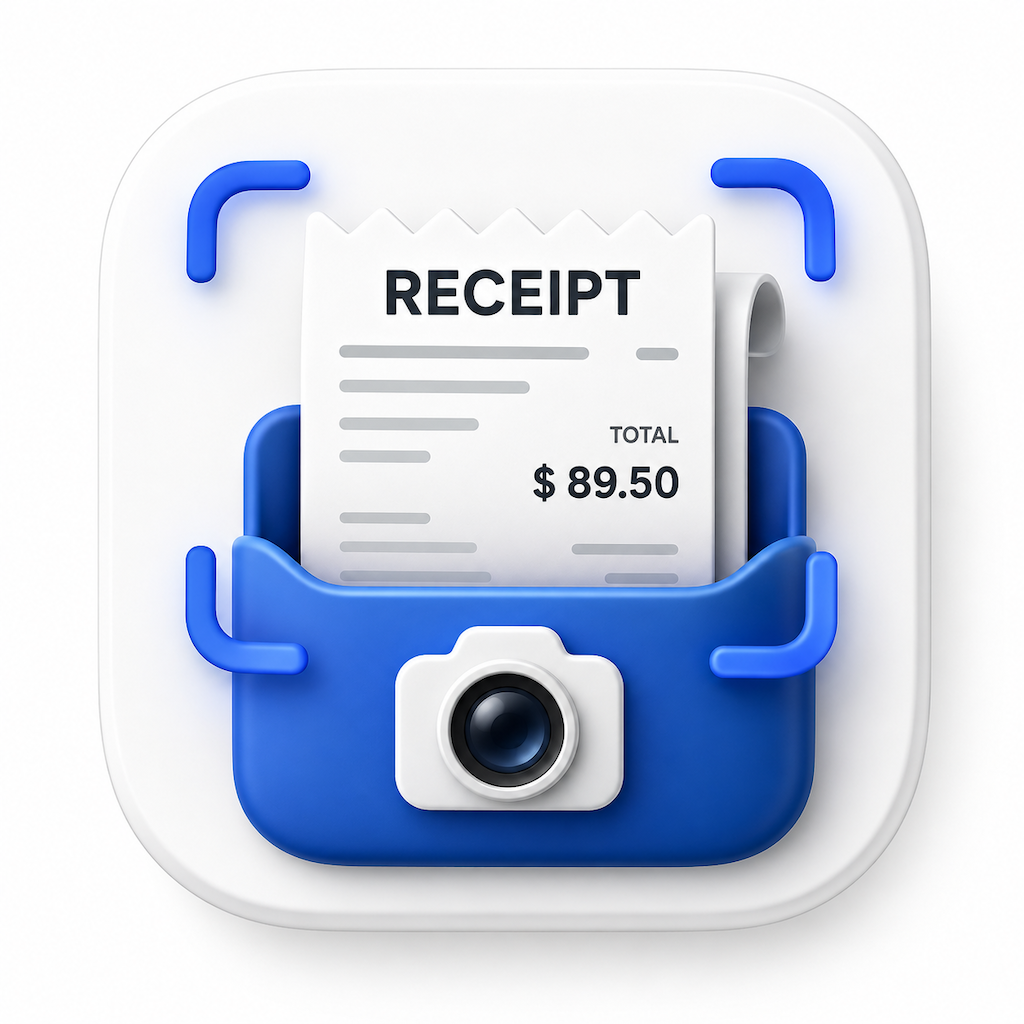
Turn paper receipts into organized records.
Scan a receipt with your camera, let on-device text recognition pull out the details, and keep every expense sorted by category, folder, and budget. Receipt Digitizer for Android is coming to Google Play.
⏳ Coming soon on Google Play. Receipt Digitizer for Android is currently in development. Leave your email to be notified at launch — lynxapps.contact@gmail.com
Use your camera or import an existing receipt photo. Text recognition runs on your phone, so receipts are read without being sent anywhere.
Point your camera at a receipt or pick a photo from your gallery.
On-device text recognition suggests the merchant, amount, and date.
Check the suggestions, correct anything, and save in a tap.
The expense is categorized and filed into your history and folders.
No receipt to scan? Add expenses manually with the same level of detail.
Sort receipts with categories and folders that match how you spend and how you file. Create your own categories whenever the built-ins don't fit.
Set budgets, watch your progress, and see how spending changes over time.
Set budgets by category or overall, and see how close you are to your limit as the month goes on.
Dashboards and category breakdowns show where your money goes and how it trends month to month.
Find any receipt by merchant, date, amount, or category across your entire history.
Group receipts into folders for trips, projects, or clients, and keep them apart from everyday spending.
Get a reminder to log receipts you've not yet entered, so nothing gets forgotten.
Pull together deductible expenses into a report you can export when tax time comes around.
Export your expenses for reimbursements, accountants, and tax filing, and back up your data whenever you choose.
Generate expense reports to share with an employer, accountant, or your own records.
Export raw expense data for spreadsheets, accounting software, or custom analysis.
Create a backup of your receipts, budgets, and categories, so a new phone isn't a fresh start.
Receipts contain sensitive financial information. Receipt Digitizer reads them on your phone. Your receipt images and expense data are never uploaded to our servers.
Switch language anytime from Settings, without restarting the app.
The free version gives you everyday tracking. Pro removes ads and adds more. Purchases are handled by Google Play, and prices are shown there.
Forever, no account needed
Billed through Google Play
Receipt Digitizer is a personal expense organiser and is not tax, accounting, or financial advice.
Receipt Digitizer for Android is coming soon. Drop us an email and we'll let you know the moment it's live on Google Play.